Most small businesses do not need “more pages.” They need a WordPress site that loads fast on mobile, shows up in local search, and turns visitors into calls, bookings, and purchases. That is what professional WordPress development is really for: building a reliable marketing and operations asset, not just a prettier online brochure.
If you are a non-technical founder or a local business owner in Los Angeles or the Inland Empire, this guide breaks down what WordPress website development services for small business should include, what to ask for (and what to avoid), and how to choose a dev team that can actually ship.
What “WordPress website development services” should mean in 2026
WordPress powers a huge portion of the web, but outcomes vary wildly depending on how it’s built. A real service is not “install WordPress and a theme.” It is a structured build process that delivers:
- A clear conversion path (calls, quote requests, bookings, purchases)
- Technical performance that supports SEO and ads
- Security and maintainability (updates, backups, monitoring)
- Clean content structure so you can add pages without breaking things
For small businesses, the best WordPress builds balance custom work with proven tools, so you get speed and flexibility without paying for unnecessary complexity.
The core components of a professional WordPress build
Discovery and strategy (yes, even for small sites)
A good WordPress project starts with decisions, not design.
Typical discovery outputs include:
- Primary goal per page type (home, service pages, location pages, contact)
- Target customer and intent (emergency service, comparison shopping, research)
- Local footprint (cities served, storefront vs service area)
- Competitive scan (what top-ranking local competitors do well)
This stage is where a dev team helps you avoid the most expensive mistake: building the wrong site “correctly.”
UX, copy structure, and conversion paths
For small business WordPress sites, conversion often comes down to a few fundamentals:
- One primary call to action per page (call, book, request quote)
- Trust sections that match your industry (reviews, licenses, guarantees, photos)
- Service pages that answer buyer questions (pricing approach, process, timing)
- Contact options that work on mobile (tap-to-call, short forms)
If the site looks great but visitors cannot quickly understand what you do and how to take the next step, it will underperform.
Custom design (or smart customization) that supports your brand
Small businesses usually land in one of these lanes:
- Custom design on a lightweight theme framework (common when you want a unique look but still want maintainability)
- High-quality theme customization (good when you need speed to launch and your needs are standard)
- Fully custom theme development (best when you have strict performance, accessibility, or design system requirements)
A capable local dev team will tell you which lane matches your goals and budget, and explain the tradeoffs in plain language.
Development that protects performance
Performance is not just a nice-to-have. It impacts conversion rate, SEO, and ad efficiency.
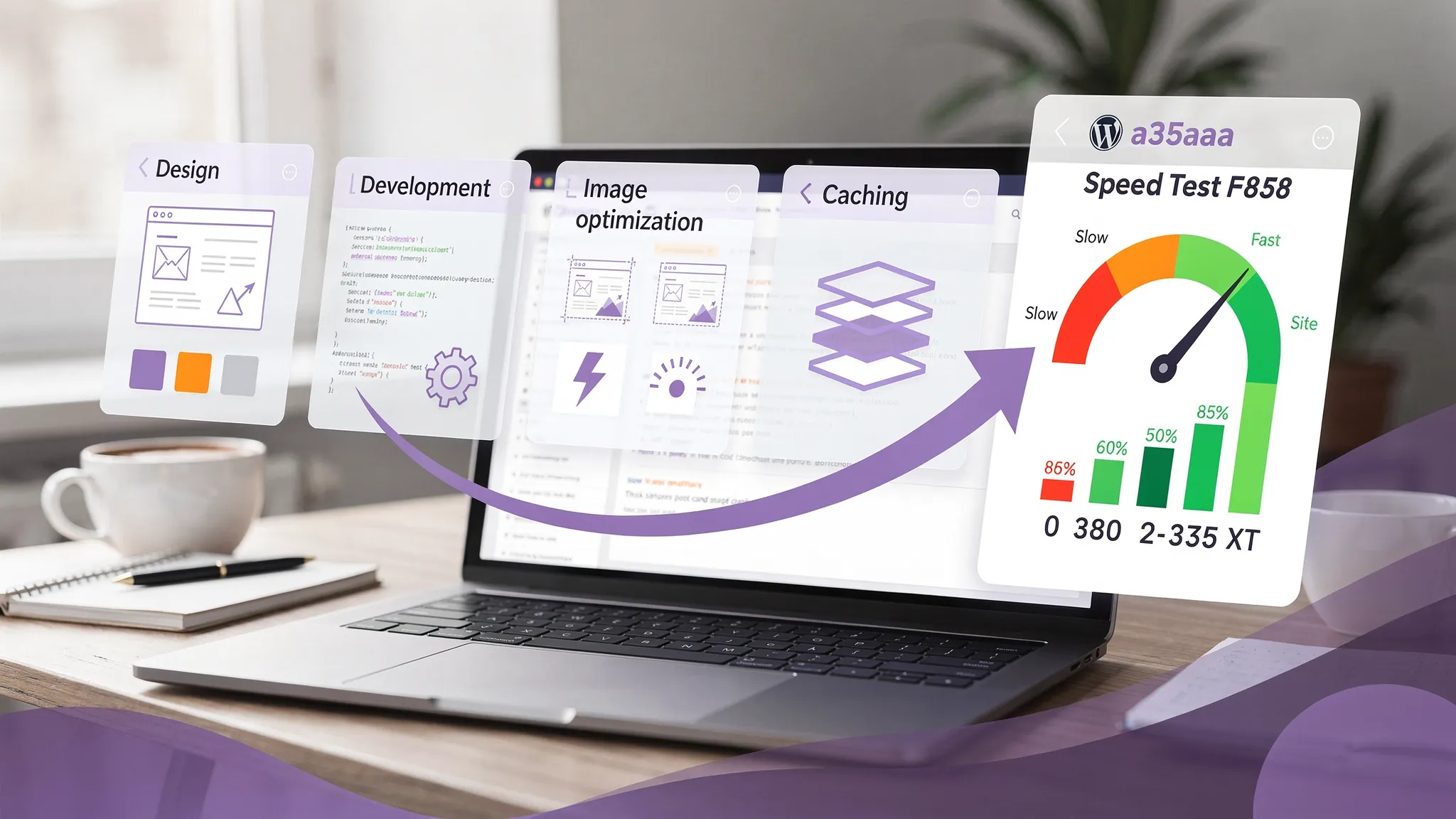
At minimum, your team should build with Core Web Vitals in mind and validate with real tools like PageSpeed Insights. For WordPress specifically, that means:
- Optimized images (modern formats, compression, correct sizing)
- Clean templates (avoid plugin bloat and heavy page builder output when possible)
- Caching and smart asset loading
- Fast hosting aligned with your traffic and business risk
Local SEO foundations built into the site (not bolted on later)
For LA and Inland Empire businesses, local competition is intense. Your WordPress build should support local SEO from day one, including:
- Clean URL structure and internal linking
- Location and service page structure that matches how people search
- Schema markup where appropriate (LocalBusiness, services, reviews when valid)
- Fast mobile experience and crawlable content
WordPress can do this very well, but only if the site is structured intentionally.
Integrations that reduce manual work
This is where WordPress becomes more than marketing. Many small businesses can gain efficiency by integrating:
- CRM or email marketing tools for lead capture
- Appointment booking tools
- Payment links or invoicing
- Chat, call tracking, or form routing
Brother Web Design lists integrations, workflow automation, CRM development, and lead generation among its services, which is especially relevant if you want your website to connect directly to how your business runs (not just collect leads into a generic inbox).
Security, backups, and update discipline
WordPress is secure when maintained, and risky when neglected.
A professional provider should follow WordPress hardening best practices (see WordPress Security) and implement:
- Regular updates (core, plugins, themes)
- Automated backups with tested restore process
- Uptime and security monitoring
- Least-privilege user access (no shared admin logins)
If a vendor cannot clearly explain their maintenance plan, assume you are inheriting risk.
Common WordPress site types for small businesses (and what “done right” looks like)
Different business models need different builds. Here’s a practical way to map scope to outcomes.
| Site type | What the WordPress build usually includes | Best for | Key success metric |
|---|---|---|---|
| Lead-gen service site | Service pages, location targeting, strong CTAs, fast forms, analytics | Contractors, clinics, legal, local services | Qualified calls and quote requests |
| Booking-based business | Booking integration, confirmation emails, policies, service menu | Salons, studios, consultants | Completed bookings and show-up rate |
| Local e-commerce | Product taxonomy, payments, shipping/tax rules, abandoned cart basics | Boutique retail, niche products | Conversion rate and repeat purchases |
| Content-led business | Blog structure, categories, editorial templates, on-page SEO | Professional services, educators | Organic traffic and lead-to-client path |
A good WordPress website development service helps you choose the right architecture so you do not overbuild (or underbuild) for your business model.
What deliverables you should expect from a serious provider
If you are comparing agencies or freelancers, ask what you will actually receive. Strong proposals are specific.
Here’s a helpful reference table you can use to evaluate scope.
| Area | What “good” usually includes | Why it matters | Red flag |
|---|---|---|---|
| Planning | Sitemap, page goals, content requirements | Prevents scope creep and weak pages | “We’ll figure it out as we go” |
| Design | Mobile-first layouts, clear CTA hierarchy | Drives conversions on phones | Design only shown in desktop |
| Build | Clean theme, limited plugins, reusable sections | Keeps site fast and maintainable | Dozens of plugins for basic features |
| SEO setup | Titles/meta templates, indexation controls, structured content | Helps you rank and avoid technical SEO issues | No mention of SEO at all |
| Analytics | GA4, Google Search Console, event tracking for forms/calls | Lets you measure ROI | “Analytics is optional” |
| Launch | QA checklist, redirects, uptime monitoring | Reduces launch-day disasters | No launch checklist |
| Ongoing care | Updates, backups, security monitoring | Keeps revenue asset stable | “Just update plugins when you remember” |
If you want a deeper overview of what small businesses should expect across strategy, build, launch, and ongoing support, Brother Web Design already has a solid reference you can use as a checklist: Web Design Services: What Small Businesses Should Expect.
How to choose the right WordPress development partner (especially as a non-technical founder)
Ask how they handle performance and plugin choices
WordPress sites get slow for predictable reasons: heavy page builders, too many plugins, unoptimized media, and cheap hosting.
Ask:
- What is your approach to Core Web Vitals?
- Which plugins are “standard” for you, and why?
- How do you handle image optimization and caching?
You are looking for clear, repeatable answers, not vague assurances.
Ask who owns what (and get access)
A trustworthy provider will make sure you own:
- The domain
- The hosting account (or you have admin access)
- WordPress admin access
- Your analytics accounts
This is not just about control, it’s about avoiding vendor lock-in.
Ask about content responsibilities before the project starts
Many WordPress timelines slip because content is not ready.
Clarify:
- Who writes the copy?
- Who supplies photos (and whether stock is included)?
- Will you get help organizing services and location pages?
Even if you are providing the content, a good team will give you templates and guidance so your pages are consistent and conversion-focused.
Ask how they support you after launch
Your site will need updates, new pages, and iterative improvements based on data.
A reliable partner should offer ongoing support, even if it’s lightweight, and should be able to explain what happens if something breaks, gets hacked, or needs to be restored.
A practical example: WordPress for event-driven businesses
Some local businesses have spikes in traffic and urgent purchase intent (seasonal promotions, weekend events, last-minute bookings). For example, event-related companies often need:
- Fast mobile browsing for inventory and packages
- Clear quote request flows
n- Trust signals (photos, specs, delivery details, service area)
If you are researching how specialized service businesses present inventory and quote flows online, browsing an established provider like Event equipment rental – ETC Rentals can give you ideas for structuring categories, highlighting high-value items, and making it easy to request the right setup.
WordPress development process: what a smooth build timeline looks like
Every project varies, but most small business WordPress builds follow a predictable sequence:
1) Plan and structure
You align on sitemap, page goals, content needs, and any integrations (CRM, booking, payments). This is also where local SEO structure is established.
2) Design and approvals
Design should be mobile-first and include key templates (home, service, location if needed, contact, legal/privacy). Approvals should include both layout and copy hierarchy.
3) Development and content population
Development turns designs into reusable blocks or templates, then content is added and styled. This is where performance work should already be happening, not saved for the end.
4) QA, SEO checks, and launch
Launch should include:
- Form testing (and where submissions go)
- Mobile usability checks
- Redirects if replacing an old site
- Indexing and analytics validation
Brother Web Design also has a practical post on using real data to improve content and conversions after launch, which pairs well with a WordPress build: How to optimize your website | 3 Easy Steps to Read the Data.
What small businesses in Los Angeles should prioritize first
LA-area markets are crowded, and small businesses win by being clearer, faster, and more trustworthy than the next option.
If you are trying to decide what to prioritize in your WordPress build, focus on:
- Speed and mobile UX (most local intent traffic is mobile)
- Service pages that match real searches (not just a generic list)
- A lead capture system that responds quickly (form routing, auto-replies, CRM capture)
- Reviews and proof (embedded thoughtfully, not as a random wall of logos)
A custom WordPress site can support all of this, but only when the build is driven by outcomes, not aesthetics alone.
When to choose WordPress (and when not to)
WordPress is often the right choice for small businesses because it is flexible, widely supported, and great for SEO when implemented well.
It may not be the best fit if:
- You want a very constrained, “no maintenance” setup and do not need SEO growth (some hosted builders can be simpler)
- You are launching a complex product with app-level interactions that exceed typical WordPress patterns (a custom app may be cleaner)
For most local service companies and many e-commerce brands, WordPress is a strong long-term platform, especially when you pair it with a team that can handle development, integrations, and ongoing care.
Getting started: what to bring to your first call
To move fast with a WordPress developer, bring:
- Your top 3 services (and the cities you want to rank in)
- Examples of competitor sites you like and dislike
- Any existing branding (logo, colors, photos)
- A list of tools you already use (CRM, scheduling, email marketing)
If you are looking for a local, in-house team that builds custom websites and can also help with automation, lead generation, and ongoing support, you can explore Brother Web Design’s services at brotherwebdesign.com.