
Choosing a CRM can feel like buying a “business brain” in a box. The right platform keeps your leads organized, makes follow-up consistent, and helps you measure what is actually driving revenue. The wrong platform becomes shelfware: too complicated, too expensive to customize, or disconnected from your website and day-to-day tools.
This guide compares popular CRM platforms for small businesses with a practical lens: adoption, speed to value, automation, integrations, and what it takes to get the system working in the real world (especially for local service businesses and founder-led teams).
How to compare CRM platforms (the small-business way)
Most small teams do not fail with CRM because they “picked the wrong brand.” They fail because the setup does not match how the business sells.
Before you compare vendors, get clear on three things:
1) Your sales motion (how money actually comes in)
- Inbound lead gen (website form, Google Business Profile, ads, referrals) needs fast lead capture and immediate follow-up.
- Outbound (lists, cold outreach, networking) needs strong pipeline discipline and tasking.
- E-commerce often needs customer and order context, plus post-purchase sequences.
2) Your constraints (time, tech comfort, and ownership)
A non-technical founder usually wins with a CRM that is:
- Simple to navigate
- Easy to customize without breaking reporting
- Friendly to integrations (email, calendar, forms, accounting, SMS)
3) Your “must integrate” list
Write down the tools you already rely on. Common examples:
- Gmail or Outlook
- Calendly or another scheduling tool
- QuickBooks or Xero
- Shopify or WooCommerce
- Call tracking / SMS (depending on your industry)
If the CRM cannot connect cleanly, your team ends up duplicating work, and adoption drops.
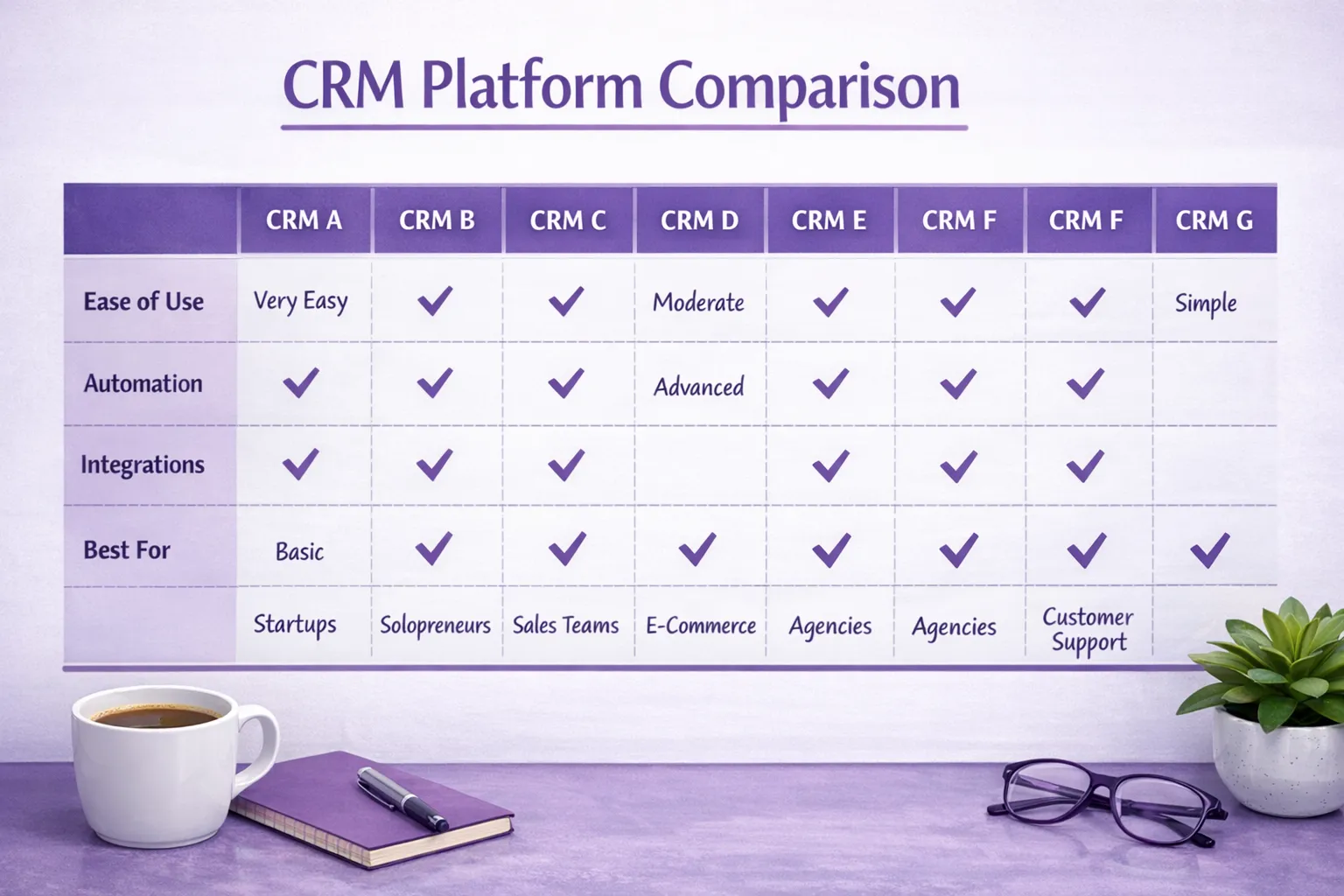
CRM platforms compared (quick decision table)
This table is intentionally practical and non-technical. “Watch-outs” matter as much as features.
| CRM platform | Best for | Strengths | Watch-outs | Setup effort (typical) |
|---|---|---|---|---|
| HubSpot CRM | Inbound-heavy small businesses that want marketing + sales alignment | Strong lead capture, email tracking, great UX, good ecosystem | Costs can rise as you add marketing automation and seats | Low to medium |
| Pipedrive | Teams that live in a deal pipeline (services, B2B sales) | Very clear pipelines, simple adoption, great activity tracking | Marketing automation is lighter compared to marketing-first suites | Low |
| Zoho CRM | Budget-conscious teams that want a broad toolkit | Flexible modules, lots of adjacent apps, strong value | Can feel complex, setup quality matters a lot | Medium |
| Freshsales (Freshworks) | SMBs wanting an “all-in-one” sales CRM with good usability | Solid UI, built-in telephony options (varies by plan), good automation | Ecosystem may be smaller than the biggest platforms | Medium |
| Salesforce (Starter/SMB offerings) | Companies expecting complex workflows or rapid scaling | Deep customization, powerful reporting, large partner network | Can be overkill, admin overhead is real | Medium to high |
| Keap | Service businesses that want CRM + automation + payments in one place | Strong small-business automation DNA, good for follow-up sequences | Can feel rigid if your process is unusual, setup takes focus | Medium |
| GoHighLevel | Agencies and local service businesses wanting funnels + messaging automation | Strong marketing workflows, multi-channel communication approach | Terminology and setup can confuse non-technical owners | Medium |
Platform-by-platform comparison (what each is really good at)
HubSpot CRM
HubSpot is a strong fit when you rely on inbound marketing and want your website leads to turn into trackable conversations quickly.
Where it shines
- Clean experience for contacts, companies, deals, and email activity
- Lead capture and routing can be straightforward (especially when forms and landing pages are part of the stack)
- Strong ecosystem of integrations and add-ons
Where teams struggle
- If you start “small” but later add marketing automation, additional users, or advanced reporting, costs can increase.
- If your sales process is highly customized, you may need careful configuration to keep pipelines and reporting consistent.
Best fit: Local businesses investing in content, ads, SEO, and conversion-focused websites that want a CRM to connect marketing to sales.
Pipedrive
Pipedrive is one of the easiest CRMs to adopt because it is built around one core behavior: moving deals through stages.
Where it shines
- Simple pipeline views that make it obvious what to do next
- Strong task/activity discipline (calls, follow-ups, next steps)
- Great for owners who want clarity without a massive system
Where teams struggle
- If your growth plan relies heavily on marketing automation and complex nurture journeys, you may outgrow it or bolt on more tools.
Best fit: Service businesses and B2B teams that win by consistent follow-up and managing a predictable pipeline.
Zoho CRM
Zoho is popular with small businesses that want flexibility and a broad software ecosystem without paying “enterprise suite” prices.
Where it shines
- Many ways to model your business (custom fields, modules, workflows)
- Easy to expand into other Zoho tools if you want a unified environment
Where teams struggle
- Zoho can do a lot, but that also means it can be set up poorly.
- Reporting and automations are only as clean as your underlying data structure.
Best fit: Cost-sensitive teams with someone who can own setup and keep the system organized.
Freshsales (Freshworks)
Freshsales often appeals to teams who want a modern sales CRM experience without feeling like they are buying a complicated enterprise tool.
Where it shines
- Usable interface that tends to be approachable for small teams
- Solid automation and sales tracking
Where teams struggle
- If you need a huge marketplace of niche integrations, you may need to rely more on middleware tools.
Best fit: Small teams that want an “all-around” CRM for sales execution and follow-up.
Salesforce (SMB offerings)
Salesforce remains the heavyweight for customization and complex workflows. For some small businesses, that is exactly the point.
Where it shines
- Very powerful customization and reporting
- Strong long-term scalability if your operations become complex
Where teams struggle
- Admin and configuration overhead can be too much for a lean team.
- If you do not have clear processes, Salesforce can become a very expensive filing cabinet.
Best fit: Businesses anticipating complexity (multiple locations, multiple product lines, advanced permissions, detailed forecasting) and willing to invest in proper implementation.
Keap
Keap is often considered by service-based small businesses that want CRM plus automation, and sometimes payments, without stitching together too many tools.
Where it shines
- Strong automation for follow-up and re-engagement
- Good for turning “I’ll think about it” leads into booked calls and paid work
Where teams struggle
- If your process is unique, you may need workarounds.
- You need time upfront to build automations thoughtfully (or you risk spamming leads).
Best fit: Owner-led service businesses that want to systematize follow-up and reduce manual admin.
GoHighLevel
GoHighLevel is popular in local lead generation and agency ecosystems because it blends funnels, messaging, and marketing workflows.
Where it shines
- Strong automation mindset for local lead capture and follow-up
- Useful when you want a tight loop from ads and landing pages to appointment booking and reminders
Where teams struggle
- It can feel like a “marketing operations” tool more than a classic CRM.
- Setup quality matters, and terminology can be confusing for non-technical teams.
Best fit: Local service businesses that rely on fast response times (calls, forms, texts) and want marketing automation to be central.
Which CRM is best for your type of small business?
A good shortcut is to match the CRM to your primary growth lever.
- You win on speed-to-lead (home services, local appointment businesses): prioritize web-to-lead capture, automatic replies, missed-call text handling, and scheduling integrations. HubSpot, GoHighLevel, and Keap are common starting points depending on how marketing-heavy you are.
- You win on pipeline discipline (B2B services, consultancies, construction bids): prioritize pipeline clarity, activities, and forecasting. Pipedrive is often a strong fit; HubSpot and Freshsales can also work.
- You sell products online (Shopify/WooCommerce brands): prioritize customer lifecycle, segmentation, and post-purchase flows. The “best” choice depends on whether your email marketing platform carries most of the lifecycle work.
If you run a small e-commerce brand with a mission-driven audience, your CRM and automation choices should also reflect brand voice and customer trust, for example a wellness-oriented store like Jascotee’s holistic lifestyle shop might focus more on post-purchase education and repeat-order journeys than on traditional deal pipelines.
The hidden differentiator: implementation and integration
Most CRM comparison posts focus on feature checklists. In practice, two things determine whether your CRM works:
1) Your lead capture is connected to your CRM (correctly)
If your website forms do not map cleanly into your CRM, you will lose leads, or your team will stop trusting the system. The basics you want:
- One primary lead intake path (form, chat, booking, or call tracking), plus a backup
- Clean field mapping (name, email, phone, service needed, location, source)
- Automatic assignment rules (who owns the lead)
- A first-response workflow that matches your business hours and capacity
If you want ideas for how integrations can increase lead volume and speed, this companion read is helpful: How to get more leads with CRM integrations.
2) Your CRM matches your real process (not the vendor’s demo)
A small team usually needs a CRM to do three jobs well:
- Track every lead and customer in one place
- Make follow-up consistent (tasks, reminders, sequences)
- Show what is working (sources, stages, conversion rates)
If you want a clean checklist of what matters most for lean teams, use this as a reference point: CRM software features small teams really need.
A realistic selection workflow (without getting stuck in analysis)
To choose between CRM platforms efficiently, keep your evaluation tight.
Step 1: Write down your non-negotiables
Common non-negotiables for small businesses include:
- Two-way email and calendar sync
- Mobile usability (your team will use it in the field)
- Web-to-lead capture
- Basic automation (at least tasks, reminders, and simple sequences)
- Reporting you will actually check
Step 2: Test with your data, not sample data
Take 25 real leads (or customers) and recreate your day:
- Add them or import them
- Move them through stages
- Send an email
- Create a follow-up task
- Generate whatever “handoff” you need (quote, invoice, appointment)
If it feels clunky in a 60-minute test, it will feel worse at scale.
Step 3: Confirm integrations early
Do not assume an integration “exists” because you saw a logo. Confirm:
- Does it support the exact trigger you need (form submit, booking, payment)?
- Does it support two-way sync or only one-way push?
- Can you map custom fields?
Step 4: Pick an owner and define the first 30 days
A CRM without ownership fails. A simple rollout plan often works:
- Week 1: finalize pipeline and fields
- Week 2: connect forms, email, calendar
- Week 3: build 2 to 4 core automations (first response, quote follow-up, appointment reminders)
- Week 4: review reporting and clean up friction
If you want automation ideas that are high ROI without becoming spammy, see: CRM with marketing automation: do more with less.
Compliance and trust (especially for California businesses)
Small businesses in Los Angeles and the Inland Empire often collect leads through forms, SMS, and email. That means your CRM setup should support compliance and customer trust.
Two practical starting points:
- Make sure your email practices align with the FTC’s CAN-SPAM guidance.
- If you handle personal data for California residents, understand your obligations under the California Consumer Privacy Act (CCPA) (and related updates).
This is not legal advice, but treating privacy and consent as part of CRM implementation protects your brand and improves deliverability.
When you should consider customization (or a local dev partner)
Off-the-shelf CRMs are powerful, but small businesses often hit friction in the same places:
- You need a custom intake flow on your website (multi-step forms, service-area logic, conditional questions).
- You need reliable automation across tools (CRM + SMS + scheduling + invoicing) without breaking.
- You need clean reporting across multiple lead sources (SEO, ads, referrals, marketplaces).
- You have workflow automation needs (routing, approvals, internal notifications, reminders).
Brother Web Design’s lane is helping local businesses get the CRM working end-to-end, from conversion-focused web design to integrations, automations, and ongoing support. If you already have a CRM picked, a practical next step is scoping:
- Your pipeline stages and definitions
- Your lead sources and capture points
- Your must-have integrations
- The first automations that will save time (and increase booked work)
That scope makes implementation faster and prevents expensive rebuilds later.