
Buying web design & development services should not feel like ordering off a mystery menu. Most “packages” exist for a good reason, they help you match scope to budget, set a realistic timeline, and prevent the classic small business problem: paying for features you do not need while missing the ones that actually drive leads.
This guide breaks down the most common web design & development service packages (and what they should include), so you can compare proposals confidently, whether you are a local LA service business, a new e-commerce brand, or a non-technical founder launching an MVP.
What a “package” really means (and what it does not)
A package is not just a page count. A good package definition includes:
- Outcomes: lead generation, online sales, bookings, or a product experience.
- Scope: pages, templates, components, integrations, content support.
- Technical build: CMS setup, custom development, performance targets, security basics.
- Launch readiness: analytics, SEO foundations, redirects, testing.
- Ongoing care: updates, backups, support, and iterative improvements.
What a package should not be: “5 pages and a contact form” with no mention of speed, SEO setup, accessibility, or post-launch support. Those gaps usually become expensive later.
The most common web design & development service packages (explained in plain English)
Below are practical “package types” most small businesses and startups end up choosing from. Names vary by agency, but the structure is consistent.
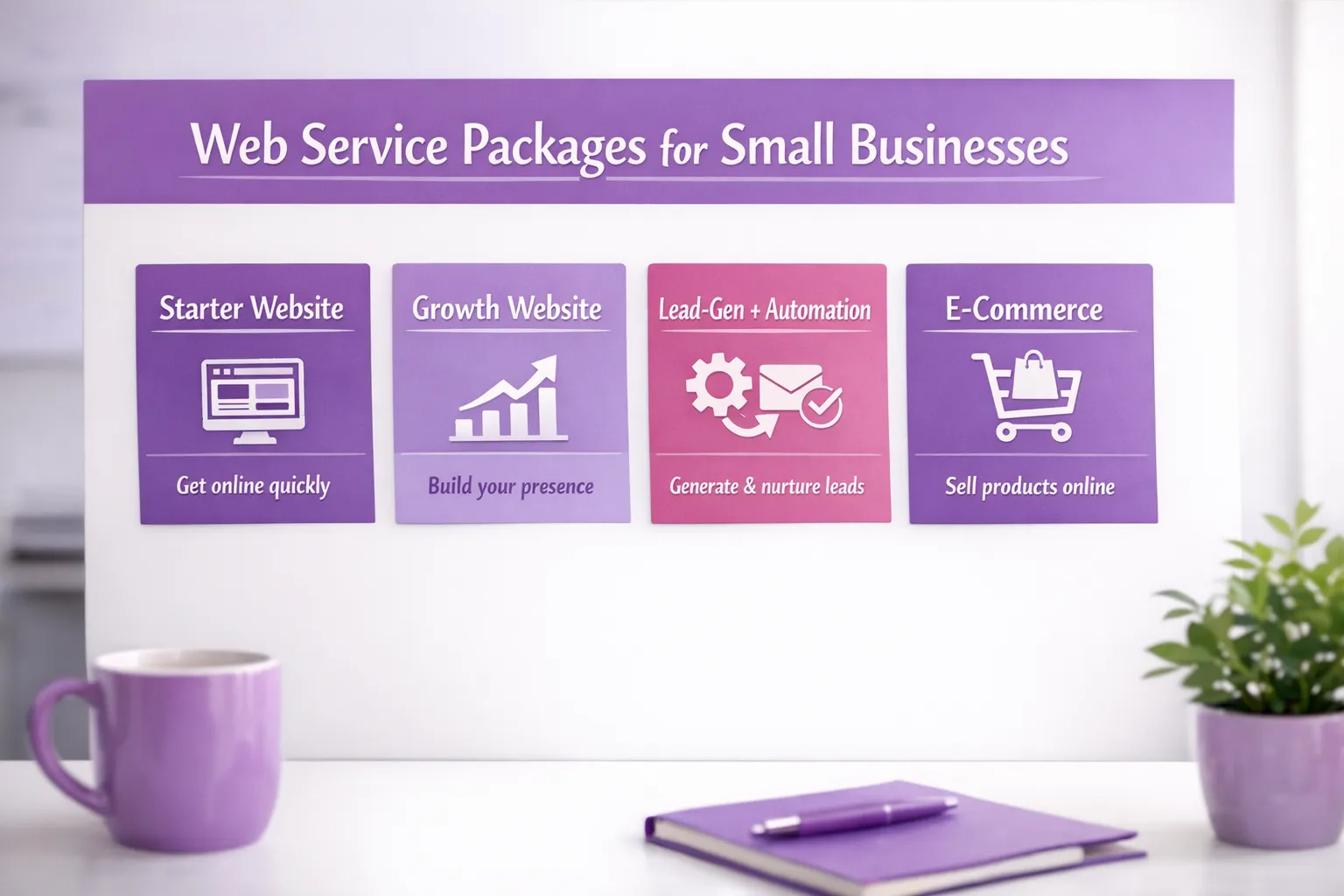
1) Starter site package (brochure + lead capture)
Best for: new businesses, single-location services, brands that need credibility fast.
This package is typically focused on getting a clean, mobile-friendly site live quickly, with clear messaging and a conversion path.
Common inclusions:
- Core pages: Home, Services, About, Contact (plus 1 to 2 supporting pages)
- Conversion basics: click-to-call, quote request form, map, reviews/testimonials
- Mobile-first layout (critical for local service searches)
- Basic on-page SEO: title tags, meta descriptions, heading structure
- Analytics setup: typically Google Analytics and Search Console
Common exclusions to watch for:
- Content writing beyond light polishing
- Local SEO assets (location landing pages, GBP strategy)
- Integrations (CRM, booking, SMS, lead routing)
2) Growth site package (content + SEO foundations + conversion)
Best for: established local businesses competing in LA and the Inland Empire, multi-service brands, companies investing in marketing.
A “growth” package usually expands beyond a simple brochure site and starts building a content structure that can rank and convert.
Common inclusions:
- More robust site architecture: service pages, FAQs, industries, locations
- Conversion UX: better CTAs, trust sections, comparison blocks, lead magnets
- Technical SEO foundations: clean URLs, sitemap/robots, schema basics where appropriate
- Performance optimization: image handling, caching strategy, Core Web Vitals focus
- Tracking plan: form events, call clicks, key conversion actions
If you plan to run paid ads, this tier is often the minimum worth paying for, because ad spend amplifies whatever your site is (good or bad).
3) Local lead-gen + automation package (website + workflows)
Best for: service businesses where speed-to-lead matters (home services, clinics, legal, B2B services).
This is where “web design & development services” start to include real operational leverage, not just a nicer website.
Common inclusions:
- Lead capture that routes correctly: forms to email plus CRM and notifications
- Workflow automation: tagging, assignment, follow-up reminders, pipeline stages
- Integrations with business tools: scheduling, CRM, email marketing, chat, reviews
- Spam protection: form hardening, rate limiting, reCAPTCHA alternatives where appropriate
If your team is missing calls or letting form submissions sit for hours, automations often outperform “more traffic” as an ROI lever.
4) E-commerce package (sell online without breaking operations)
Best for: product-based businesses, local stores expanding online, brands that need shipping, pickup, subscriptions, or product catalogs.
This package is not just “add a cart.” E-commerce touches taxes, shipping, inventory, emails, and support workflows.
Common inclusions:
- Product and collection setup (or categories/taxonomy)
- Payments + checkout configuration
- Shipping and pickup rules
- Transactional emails (order confirmations, receipts)
- Conversion essentials: product page UX, trust signals, abandoned cart basics
Typical “gotchas” that change scope:
- Product variations and bundles
- Subscriptions
- Integrations with POS, shipping tools, or fulfillment
- Returns/exchange flows and customer accounts
5) Custom web app / software development package (MVP build)
Best for: non-technical founders, internal tools, client portals, workflow systems.
This tier usually includes product thinking plus engineering. A good “MVP package” is less about building everything and more about building the smallest version that proves the business.
Common inclusions:
- Discovery and requirements: user roles, workflows, data model
- Clickable prototype or wireframes before development
- Custom development with authentication and role-based access
- Integrations (CRMs, payment processors, third-party APIs)
- QA/testing and launch plan
If you are a founder, ask how the team prevents scope creep: clear acceptance criteria, milestones, and a change request process are part of a healthy package.
Non-negotiables every serious package should include
Even a “starter” build should cover fundamentals that protect your business long-term.
Performance and page experience
Google has been explicit that performance and user experience matter for modern websites. Core Web Vitals are widely used as performance indicators, and you can test pages with tools like PageSpeed Insights.
Practical minimums to expect:
- Image optimization (formats, compression, sizing)
- Mobile performance testing
- Basic caching strategy
- No bloated plugins or scripts “just because”
Mobile-first structure
Mobile is not an afterthought for local businesses. Google primarily uses the mobile version of content for indexing (often referred to as mobile-first indexing). You can review the concept in Google Search Central documentation.
Accessibility basics
Accessibility reduces legal risk and expands your audience. Many teams align to WCAG standards, and the current guidance is WCAG 2.2. You do not need perfection on day one, but you should expect intentional choices like readable contrast, keyboard navigation support, and accessible forms.
Security fundamentals
A package should address basics like updates, least-privilege access, and secure forms. If you are building anything custom, it is also reasonable to ask how the team considers common web risks (a starting point is the OWASP Top 10).
What actually drives the cost (so you can spot a realistic package)
Two websites can have the same number of pages and radically different build costs. The difference is usually complexity, not cosmetics.
| Cost driver | What it really means | Why it changes the scope |
|---|---|---|
| Content readiness | Do you have finalized copy, photos, offers, FAQs? | Writing and content structuring can take as long as development. |
| Integrations | CRM, booking, SMS, email marketing, inventory, APIs | Integrations require testing, edge cases, and ongoing maintenance. |
| Custom UX components | Calculators, filters, multi-step forms, portals | Custom components increase design, development, and QA time. |
| SEO depth | Basic on-page vs local pages, technical SEO, content strategy | SEO is a system, not a plugin. |
| E-commerce operations | Shipping rules, taxes, variations, returns | Operational complexity shows up inside the build. |
| Compliance needs | Accessibility targets, privacy requirements | Requires documentation, tooling, and validation. |
How to choose the right package (quick decision framework)
The right package is the one that matches your next 90 days, not your five-year vision.
| Your situation | Usually the best fit | Primary goal |
|---|---|---|
| New business, need credibility and calls | Starter site | Launch fast, look legitimate, capture leads |
| Competing locally, want more organic leads | Growth site | Rank for services, improve conversion rate |
| Leads are coming in but follow-up is slow | Lead-gen + automation | Speed-to-lead, better close rate |
| Selling products or taking online orders | E-commerce | Smooth checkout, fewer operational headaches |
| Building a portal, workflow tool, or SaaS MVP | Custom web app / MVP | Prove the product, reduce manual work |
If you are unsure, pick based on the bottleneck:
- No visibility: you need SEO foundations and content structure.
- Traffic but low conversions: you need messaging, UX, and better CTAs.
- Leads but low close rate: you need routing, automation, and follow-up systems.
“Package vs custom” is not the real question
Most good agencies use packages as a starting point, then adjust.
A healthy proposal often looks like:
- A clear base package
- A list of add-ons (integrations, additional templates, copywriting)
- A defined support plan after launch
If a quote is “fully custom” but vague on deliverables, it is hard to compare and easy for expectations to drift.
Timeline expectations (what’s normal, what’s a red flag)
Timelines vary, but you can sanity-check what you hear.
- Starter sites: often measured in weeks, depending on content readiness and approvals.
- Growth sites: longer, because information architecture, SEO structure, and content take time.
- E-commerce: can expand quickly based on catalog size and operational rules.
- Custom apps/MVPs: should have milestones, not one giant launch date.
A common red flag is an aggressive promise without mentioning discovery, QA, or content. Speed is great, but only when quality controls are real.

How to compare web design & development service packages apples-to-apples
When you have two proposals that “sound similar,” compare these specifics:
- Who owns what: domain, hosting access, admin accounts, design files, code
- How revisions work: number of revision rounds and what counts as a change
- What “SEO included” means: on-page setup vs local landing pages vs ongoing content
- Performance expectations: any mention of Core Web Vitals, image optimization, script hygiene
- Analytics and tracking: are conversions tracked, or only pageviews?
- Integrations: exact tools listed, plus what happens when an API changes
- Post-launch support: maintenance, updates, backups, response times
If you are a non-technical founder, ask one simple question: “What are the deliverables I will physically receive at launch?” A trustworthy package answers that clearly.
Want to keep costs reasonable without cutting corners?
Affordable does not have to mean low quality. The best “budget wins” usually come from prioritization, not shortcuts.
A few proven approaches:
- Start with high-intent pages first (top services, top locations, contact and booking)
- Use real photos and real proof (reviews, process, before/after, certifications)
- Stage advanced features into phase two (chat, calculators, extra automations)
If you are exploring cost-saving strategies, this guide on inexpensive small business web design offers practical ways to stay lean while still building a professional, conversion-ready site.
Frequently Asked Questions
What is the difference between web design and web development services? Web design focuses on structure, layout, UX, and visual communication. Web development turns those designs into a working website or application, handling code, CMS setup, performance, integrations, and technical behavior.
Do web design packages usually include SEO? Most packages include some level of SEO foundations (titles, meta, headings, basic technical setup). Ongoing SEO, content creation, and local landing page strategies are often separate or part of a higher tier.
How do I know if I need a starter site or a growth site? If you mainly need credibility and a clean way to capture leads, a starter site can be enough. If you need to compete in search results, target multiple services or locations, or improve conversion rate from existing traffic, you usually want a growth package.
What integrations should a small business website have? The most common high-ROI integrations are CRM lead capture, scheduling, email marketing, call tracking, and review generation. The “right” set depends on how you currently handle inquiries and follow-up.
Is ongoing maintenance really necessary? Yes. Websites require updates, backups, and monitoring for security and compatibility. Even if you do not change content often, your platform and plugins (or dependencies) still evolve.
Can a local dev team help if I already have a website? Often, yes. Many businesses start with an audit and then choose between improvements (speed, UX, SEO structure, integrations) or a rebuild if the foundation is limiting growth.
Talk through your package options with a local team
If you want help choosing the right web design & development services package for your business goals, Brother Web Design works with small businesses and startups across Los Angeles and the Inland Empire, from custom websites to e-commerce, automation, and lead generation.
Get a clear scope and a realistic recommendation by starting here: Brother Web Design.