
Hiring a website design development company gets a lot easier when you show up with a clear brief. You get better estimates, fewer surprises, and a site that matches what you actually need (not what someone assumed you meant). If you are a nontechnical founder or a busy local business owner, a good brief is also your shortcut to moving fast without sacrificing quality.
This guide walks you through what to include, what to skip, and a copy-and-paste structure you can send to any dev team.
What “a good brief” really does (and why most projects stall)
Most website projects do not fail because the developer cannot build. They stall because the project starts with vague goals (“we need a modern site”) and missing constraints (timeline, approvals, content ownership, required integrations). That vagueness forces the team to guess, then you spend weeks correcting direction after designs are already in motion.
A strong brief creates alignment on three things before anyone opens Figma or writes code:
- Outcome: what the site must achieve for the business
- Scope: what is included, what is not
- Decision rules: who approves, what “done” means, and what tradeoffs you accept
If you only take one idea from this article, it is this: your brief should read like a decision-making document, not a wish list.
Step 1: Write your goal in one sentence (with a measurable win)
Start with a single sentence that combines a business goal with a primary conversion action. This keeps the project grounded when design opinions start flying.
Examples:
- “Generate 25 qualified quote requests per month from Los Angeles homeowners for our HVAC service.”
- “Sell products online with an average order value above $80 and a simple repeat purchase flow.”
- “Book 15 consultation calls per month for our B2B service, with lead routing into our CRM.”
If you do not know your number yet, that is fine. Pick a direction: leads, calls, bookings, purchases, or signups.
Step 2: Define who the website is for (and what they need to decide)
A website cannot be “for everyone” and still convert.
In your brief, describe your top customer types and what they care about when choosing you. Keep it practical, not theoretical.
Good inputs to include:
- Your top 2 to 3 customer segments (for example, “busy parents in East LA” or “property managers in Inland Empire”)
- The main problems they are trying to solve
- The objections you hear on calls (price, trust, speed, warranty, experience)
- The top 3 questions people ask before buying
This section helps a design and development team write the right page structure, calls to action, and trust signals.
Step 3: List the pages and features you actually need (scope, not vibes)
This is where most briefs become either too vague (“basic website”) or too detailed (“build it exactly like this competitor”). Aim for clear scope with room for expertise.
Instead of describing your site by what it looks like, describe it by what it must do.
Pages
Give a page list, even if it is a draft. A dev team can refine it later, but they need an initial count and content types.
Typical small business set:
- Home
- About
- Services (or one page per service)
- Reviews or testimonials
- Portfolio or case studies (if applicable)
- Contact
- Location pages (if you serve multiple cities)
If you are selling products, include collections, product pages, cart, checkout, and key policy pages.
A good reference point for an e-commerce homepage is a brand that clearly highlights collections, bestsellers, shipping/returns, and trust signals, like Saludi Glassware’s colored glassware store.
Functionality and integrations
Be explicit about functional requirements. “Integrations” often drive complexity more than design.
Common items to call out:
- Forms (how many, what fields, what happens after submission)
- Booking (online scheduling, deposits, reminders)
- Payments (one-time, subscriptions, invoicing)
- Email marketing (newsletter signup, welcome sequence)
- CRM (lead routing, pipeline stages, attribution)
- Review requests and Google Business Profile links
- Inventory, shipping, taxes (for e-commerce)
If you are unsure what you need, describe your current workflow. A good website design development company can map that into the simplest tools and automations.
Step 4: Share your constraints early (timeline, budget range, and internal capacity)
Constraints are not awkward, they are how you get accurate advice.
Timeline
Add two dates:
- Desired launch date
- The reason (seasonal rush, event, lease opening, ad campaign)
If your timeline is aggressive, your brief should also say what you are willing to simplify to hit the date (fewer pages, phased launch, temporary copy).
Budget range (even if it is broad)
You do not need a perfect number, but giving a range helps the team propose the right approach.
A budget range tells a dev team whether they should:
- Use proven templates with light customization
- Design custom layouts
- Build custom functionality and automations
- Plan for ongoing conversion and SEO work post-launch
Your capacity
Tell them what you can realistically provide.
- Who is writing the copy
- Who is providing photos (or if you need help)
- How fast you can review and approve designs
- Who will be the decision-maker
Many delays come from “we will send content later” without naming an owner.
Step 5: Provide brand and content inputs (so the team does not guess)
You do not need a complete brand book, but you should include what you have.
- Logo files (SVG preferred, PNG acceptable)
- Brand colors and fonts (if established)
- Photo style examples (real photos vs stock, bright vs dark)
- Existing sales deck, brochure, or menu (often better than a blank page)
- Testimonials and reviews you are allowed to publish
If you have an existing website, include what must be kept (domain, email, key pages that rank, tracking). If a redesign changes URLs, your brief should say you want a migration plan to avoid losing search visibility.
Step 6: Set quality requirements (performance, accessibility, SEO basics)
This is how you avoid getting a site that “looks good” but loads slowly or fails to show up locally.
Performance
Ask for performance targets aligned with Google’s Core Web Vitals. Google’s documentation explains the metrics and thresholds, including the common goal of Largest Contentful Paint (LCP) within 2.5 seconds under good conditions (Core Web Vitals guidance). You do not have to become an expert, just state that performance is a deliverable.
Accessibility
If you serve the public, accessibility matters for usability and risk reduction. A practical request is: “Build with WCAG-aligned best practices for a small business site.” If you need a specific level (often AA), state it.
Local SEO foundations
For local businesses in Los Angeles or the Inland Empire, include:
- Your service area cities
- Your main services (in your words, not marketing jargon)
- Your Google Business Profile link (if you have one)
- Any neighborhoods or cities you want dedicated pages for
If you want a deeper view on how design choices impact marketing results, this pairs well with your planning: Website Design and Digital Marketing: Better Together.
Step 7: Clarify ownership, access, and post-launch support
This is one of the most overlooked parts of a brief.
At minimum, specify:
- Who owns the domain and hosting accounts
- Who will have admin access to the CMS and analytics
- Whether you need training (for example, “show us how to edit service pages and post blogs”)
- Whether you want ongoing maintenance, security updates, and small changes
If you are a nontechnical founder, it is worth writing: “We want a setup that we can maintain without developer involvement for basic updates.” That will influence platform and CMS decisions.
What to send your website design development company (a simple checklist)
Use this table as a quick self-audit before you hit send.
| Brief section | What to include | Why it matters to the dev team |
|---|---|---|
| Goal | One sentence describing the primary conversion | Drives layout, CTAs, tracking, and success metrics |
| Audience | Top customer types, objections, decision factors | Guides messaging, trust elements, and UX |
| Scope | Page list and required features | Prevents surprise costs and timeline creep |
| Integrations | CRM, booking, payments, email marketing, tools | Often the biggest driver of complexity and testing |
| Content readiness | Who provides copy/photos, what exists today | Determines timeline and whether the team must fill gaps |
| Technical baseline | Domain, hosting, current site/platform, access | Avoids delays during build and launch |
| Quality targets | Performance, accessibility, SEO foundations | Ensures the site works, ranks, and converts |
| Approvals | Decision-maker, review cadence, stakeholders | Reduces rework and endless feedback loops |
| Post-launch plan | Training, support, maintenance expectations | Prevents the “site is live, now what?” problem |
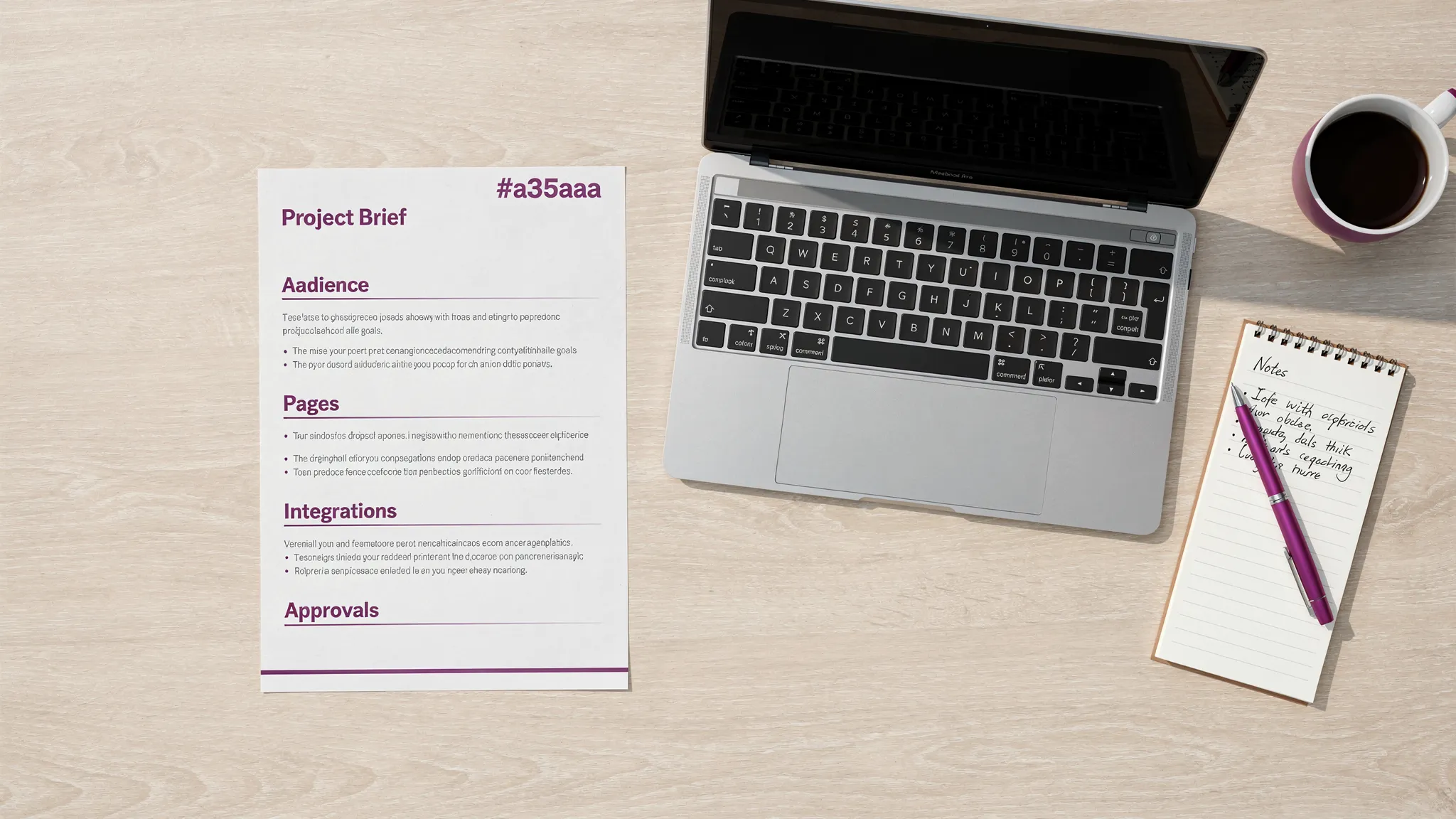
Copy and paste: a one-page brief template you can email
You can paste this into an email or Google Doc and fill it in within 30 to 45 minutes.
Business and context
Company name:
What you sell (plain English):
Service area (cities/neighborhoods):
Current website (if any):
Primary goal
In one sentence, what should this website achieve?
Primary conversion action (choose one): call, form submission, booking, purchase, signup
Customers and messaging
Who are your top customers?
What are the top objections you need to overcome?
What should people feel after visiting the site (trust, urgency, clarity, premium, etc.)?
Pages (draft list)
List the pages you believe you need. If unsure, list what you have today and what is missing.
Functionality and integrations
Forms needed:
Booking needs:
Payments (if any):
CRM or tools (if any):
Other integrations:
Content and brand assets
Logo available? Yes/No
Photos available? Yes/No
Copy ready? Yes/No
Examples of sites you like (links) and what you like about them:
Examples of sites you dislike (links) and why:
Timeline and budget
Target launch date:
Reason for that date:
Budget range:
Approvals and decision-making
Main decision-maker:
Other stakeholders:
How fast can you review designs (for example, 48 hours, 5 business days)?
Quality requirements
Performance expectations:
Accessibility expectations:
SEO and local visibility needs:
Post-launch
Do you need training to update the site? Yes/No
Do you want ongoing support and maintenance? Yes/No
Two common brief mistakes (and how to fix them)
“Make it look modern” without examples or outcomes
“Modern” means ten different things to ten different people. Replace it with:
- One visual direction (2 to 3 example sites)
- One functional direction (what users must do)
- One measurable win (what success looks like)
Hiding complexity until mid-project
If you know you need booking, payments, CRM routing, multi-location SEO pages, or e-commerce, put it in the first message. You will not “scare away” a good partner. You will help them plan the right architecture and quote accurately.
If you want a local dev team to sanity-check your brief
If you are in Los Angeles or the Inland Empire and want a second set of eyes, Brother Web Design can review your draft brief, point out missing scope items (integrations, content gaps, local SEO needs), and help you turn it into a build plan your business can actually execute.
If you want to understand what deliverables to expect once the brief is accepted, this companion guide is helpful: Web Design Services: What Small Businesses Should Expect.